Apple Data Recovery
iMac Data Recovery
For many users and creative studios, the iMac is the main computer: where the most important projects live, the largest files, the backups of other devices. When it stops working, the impact is huge. And the solution does not always mean losing what was inside.
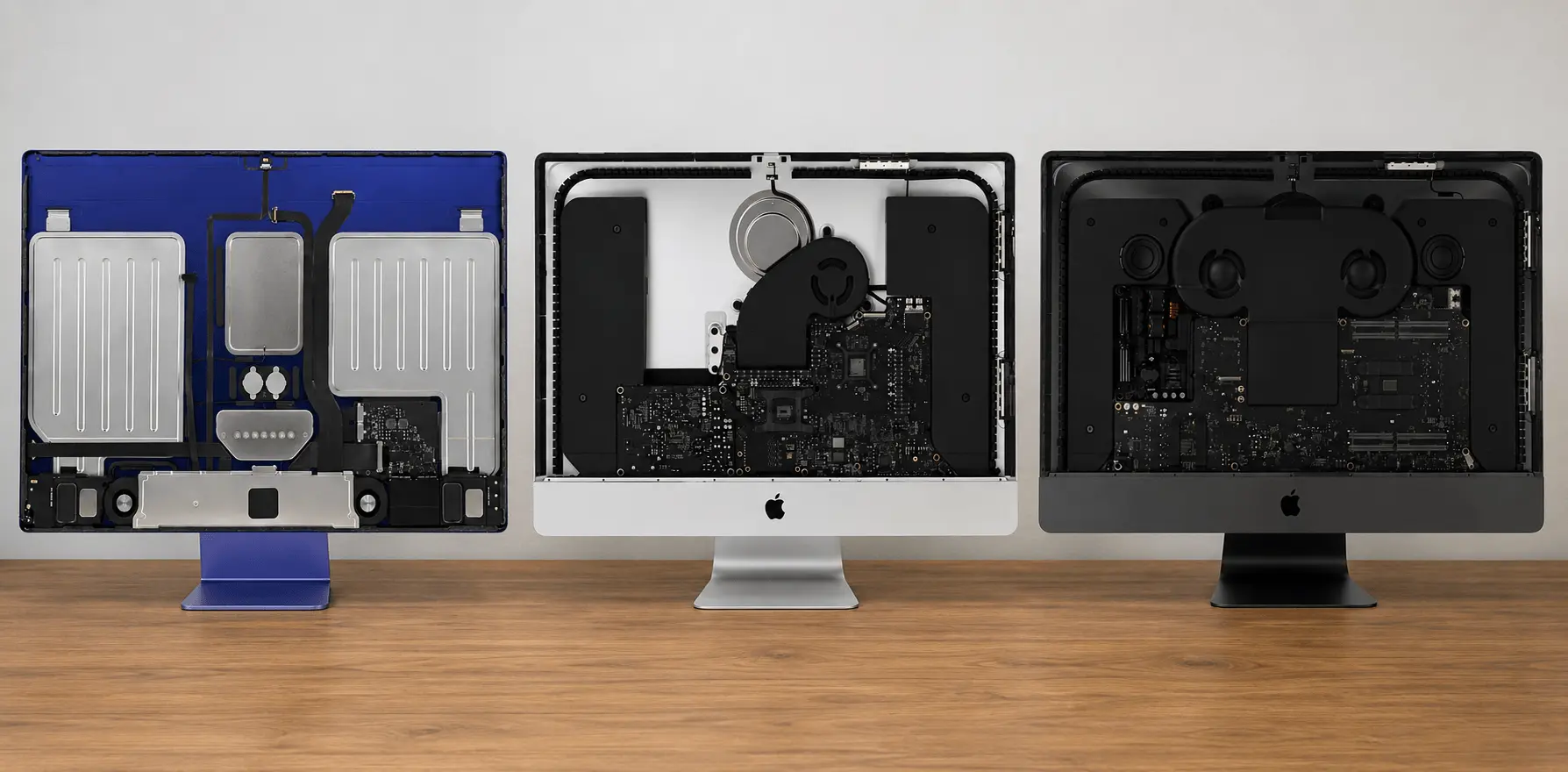
Which devices do we cover?
Aluminium iMac from 2012 onwards, including Fusion Drive models and recent models with an SSD.
Check compatibilityService benefits
The iMac has a design problem when it fails
The iMac is not an easy computer to open. The front glass panel is held in place by magnets or adhesive, depending on the model, and the screen takes up almost the whole chassis. Getting inside without damaging the screen or the aluminium takes specific tools and a careful procedure. Not every technician is prepared to do it.
On models with an HDD or a standard SSD (up to around 2019), the storage is removable and recovery can follow more conventional routes. The last Intel iMacs, with the T2 chip, already encrypt data at hardware level. And since 2021, Apple Silicon models also have the SSD soldered to the board, just like a MacBook. Each generation calls for a different approach.
The particular case of the Fusion Drive
Many iMacs sold between 2012 and 2019 came with a Fusion Drive: a small SSD (for cache and startup) combined with a conventional HDD (for bulk storage), managed by macOS as if they were a single volume. When one of the two fails, the whole logical volume stops being accessible — even if the other component still works.
This kind of failure creates a confusing situation: the iMac may not start, or may show file system errors, and the user does not know whether the problem is in the SSD, the HDD or the logic that joins them. The usual answer from a non-specialist technician is to recommend erasing and reinstalling. Ours is to analyse both parts separately and establish whether the data can be recovered.
Common scenarios we see
Sudden board failure. The iMac switches itself off and never starts again. It may be a power supply fault, a component on the board or the firmware chip. In many of these cases the data is intact and accessible once the fault has been identified.
Liquid damage. Less common than with laptops, but it happens. A glass on the desk, a leak, or simply condensation building up in a damp room. If the iMac was exposed to liquid and stopped working, do not turn it on if you can avoid it.
File system error or corrupted volume. The iMac starts partially or shows disk errors at login. Sometimes the problem lies in the logical structure of the APFS file system, not in the hardware. In these cases the chances of a full recovery are high.
Broken screen, intact data. The iMac took a knock or something fell on it. The screen is unusable, but the rest of the machine may be working perfectly. Before giving it up for lost, it is worth checking the condition of the storage.
What data can be recovered
Everything that was stored locally on the iMac: Lightroom projects, Final Cut Pro libraries, Premiere files, FileMaker databases, Dropbox or Google Drive folders synced locally, email in local clients such as Apple Mail, documents, spreadsheets and design files. If it was part of the iMac’s internal storage, it is within the scope of the recovery.
What we do not do
We do not repair the iMac so that it works again. Our job ends when the data is safe and delivered. If you need the machine working afterwards, we can point you towards iRepairs.
Nor do we work with external hard drives, NAS or servers. If the storage that failed is external to the iMac, this is not the right service.
Why Apple or a general repair shop is not enough
Apple diagnoses the hardware and proposes replacement solutions. It has no data recovery process: if the board fails and needs replacing, the data inside becomes inaccessible unless there is a backup. Its technicians do not work at board component level and do not have the microsoldering equipment for this kind of job.
A general repair shop can open the iMac and check the condition of the drive, but if the problem involves the T2 chip, APFS encryption or a Fusion Drive with one of its two components damaged, conventional tools are not enough.
When to contact us
Before making any decision about the machine: before accepting Apple’s quote for a board replacement, before taking it to a repair shop that suggests erasing and reinstalling, before giving it up for lost. The diagnosis does not commit you to anything — it is free if you accept the quote, and you only pay shipping if we recover nothing.
Write to us with the year of the model, the storage capacity if you remember it, and a description of the fault. With that information we will give you an initial assessment with no obligation.
The process
How it works
Opening and diagnosis without damage
The iMac is one of the most delicate machines to open because of its integrated design. Our technicians work with the specific tools needed to reach the inside without damaging the screen or the chassis.
Storage assessment
Depending on the model, your iMac may have a conventional HDD, an SSD or a Fusion Drive. We adapt the procedure to the type of storage and the condition of the hardware.
Board work when needed
If the problem is in the logic board, we apply component-level diagnosis, identification of the fault and repair so that the board can read the storage again.
Extraction and return
We deliver the data on an external drive or by secure transfer. If we recover nothing, you only pay shipping (approx. €30).
Got an iMac with important data on it?
Free diagnosis, no obligation. We reply in under 2 hours.
Everything you need to know
Questions about this service
Yes. A Fusion Drive combines an SSD and an HDD in a single logical volume. When one of the two fails, the volume can become inaccessible. We have experience separating and recovering both components.
We arrange the collection and provide packing instructions specific to the iMac. The shipping cost is included in the process and there is no extra charge for the size of the machine.
Yes. Older models with a conventional hard drive or standard SSD have more direct recovery methods. Tell us the exact model and the problem and we will give you an initial assessment.
On the Standard tier, between 7 and 15 days from receipt. The Urgent tier (48–72 hours) is available for iMac if the urgency justifies it.
We also recover data from
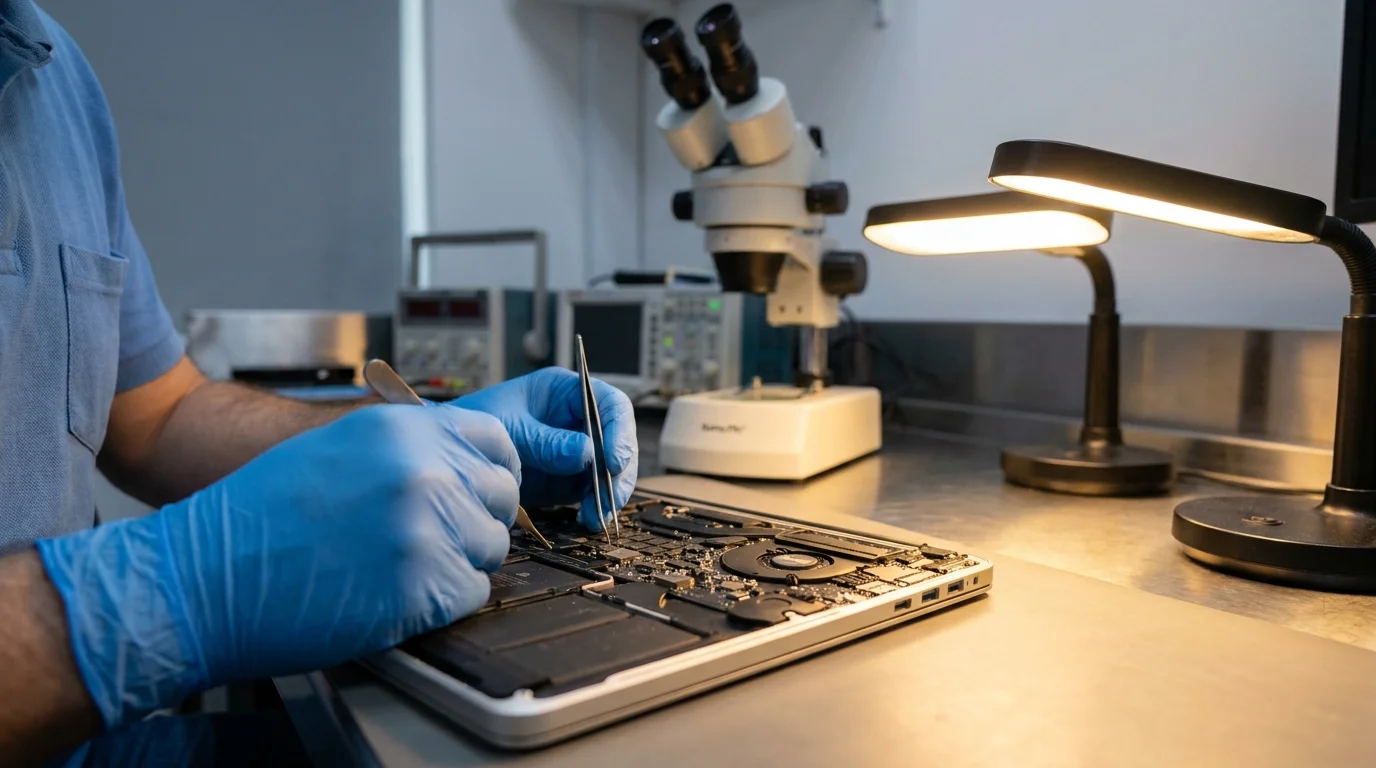
MacBook Data Recovery
MacBook from 2016, with removable or soldered SSD and T2/M1/M2 chip. Board-level intervention.
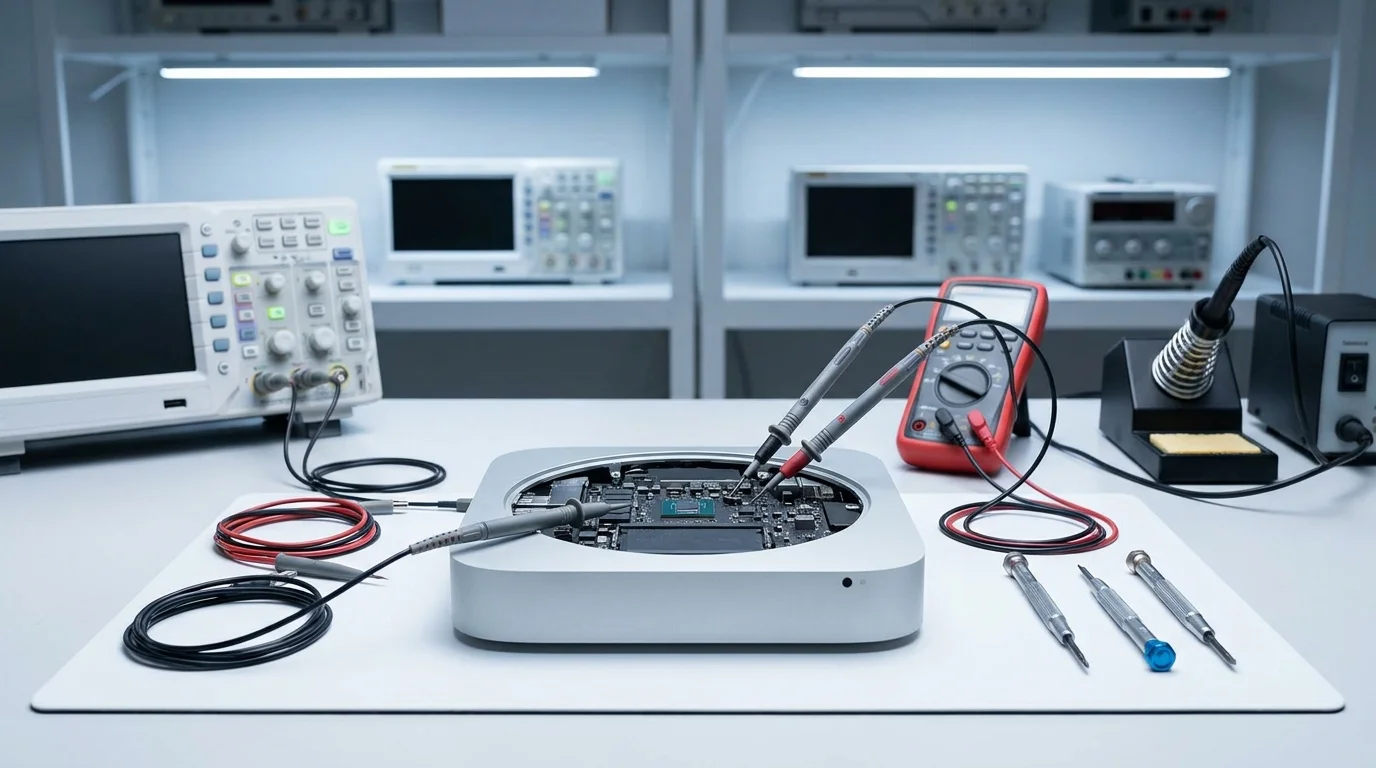
Mac mini Data Recovery
Mac mini 2019+ with Apple Silicon. Full service with prior diagnosis.
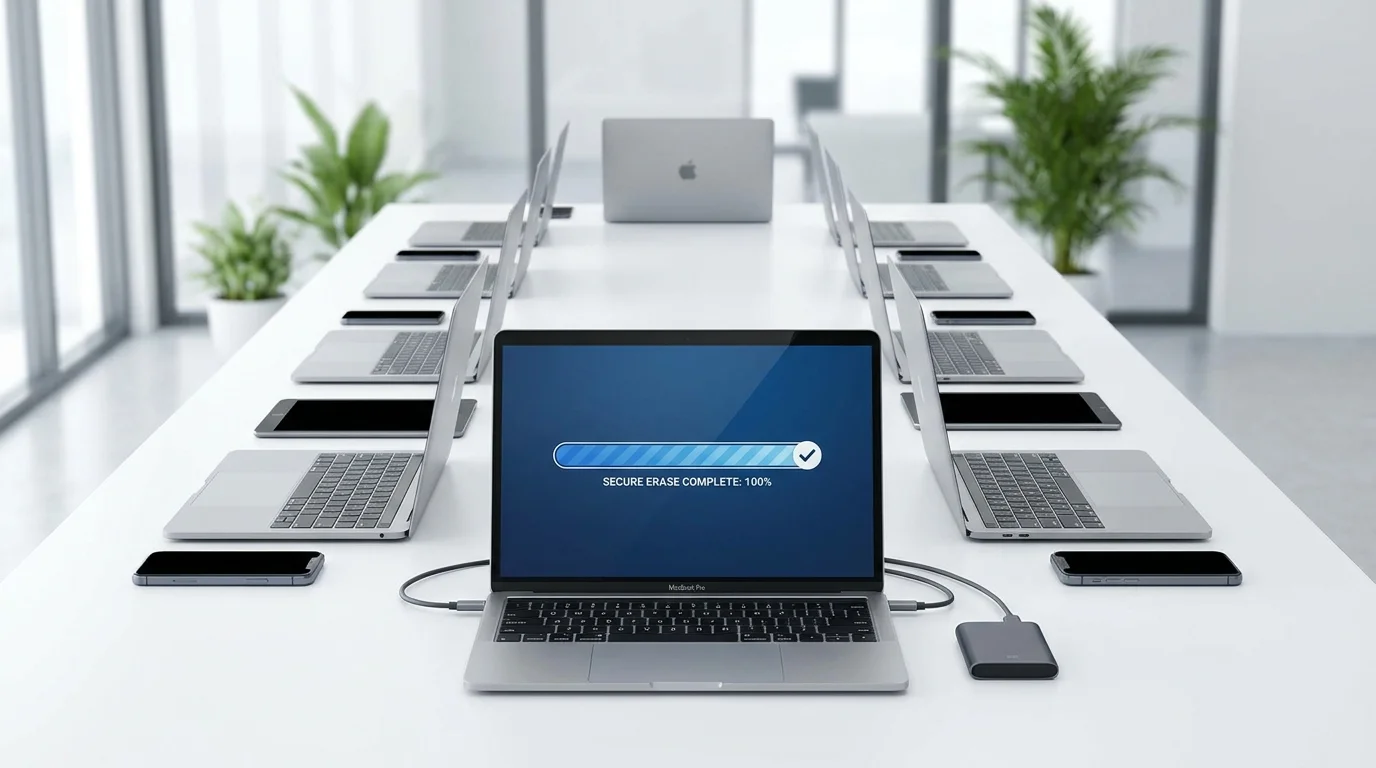
Secure Data Erasure
Certified erasure for businesses and freelancers. GDPR compliance.
What our clients say
Successfully recovered
"At an Apple Premium Reseller the only option was to replace the board and lose all my data. iRepairs found the solution and I got everything back."
Alberto G.
MacBook Pro 16" · Google
"Extremely polite, informed me of all the risks. They did NOT CHARGE me after unsuccessfully trying to recover my data. Incredible honesty."
Befex T.
MacBook · Google
"Amazing experience. Official Apple service were unable to do what these guys did."
Andrey B.
MacBook Pro · Google
"I sent it from Galicia — my laptop would not turn on. Another repair shop could not find the problem. Here they solved it."
Daniel S.
MacBook 16" 2021 · Google
"I brought in a MacBook Pro that would not boot. They diagnosed it as a board fault, sent a quote the next day and fixed it quickly. Highly recommended."
Nahuel U.
MacBook Pro · Google
"At an Apple Premium Reseller the only option was to replace the board and lose all my data. iRepairs found the solution and I got everything back."
Alberto G.
MacBook Pro 16" · Google
"Extremely polite, informed me of all the risks. They did NOT CHARGE me after unsuccessfully trying to recover my data. Incredible honesty."
Befex T.
MacBook · Google
"Amazing experience. Official Apple service were unable to do what these guys did."
Andrey B.
MacBook Pro · Google
"I sent it from Galicia — my laptop would not turn on. Another repair shop could not find the problem. Here they solved it."
Daniel S.
MacBook 16" 2021 · Google
"I brought in a MacBook Pro that would not boot. They diagnosed it as a board fault, sent a quote the next day and fixed it quickly. Highly recommended."
Nahuel U.
MacBook Pro · Google
Recover the data from your iMac
No data recovered — you only pay shipping. Free diagnosis.